

In today’s digital economy, your e-commerce website is more than just a storefront—it’s the heart of your business. With cyber threats evolving rapidly, especially AI-driven attacks, protecting your online store from hackers isn’t optional; it’s essential for survival. According to recent reports, e-commerce sites face an average of 2,000 attacks per month, leading to potential losses in revenue, customer trust, and data breaches.
This comprehensive guide dives deeper than any other resource online, offering actionable, up-to-date strategies tailored for 2026. Whether you’re running a Shopify, WooCommerce, Magento, or custom platform, we’ll cover everything from basic defenses to advanced tactics, ensuring your site stays secure, SEO-friendly, and customer-focused.
By implementing these e-commerce security best practices, you’ll not only prevent hacking but also boost your site’s rankings with search engines like Google, which prioritize secure sites. Let’s explore how to safeguard your e-commerce website from being hacked, step by step.
Why E-Commerce Websites Are Prime Targets for Hackers
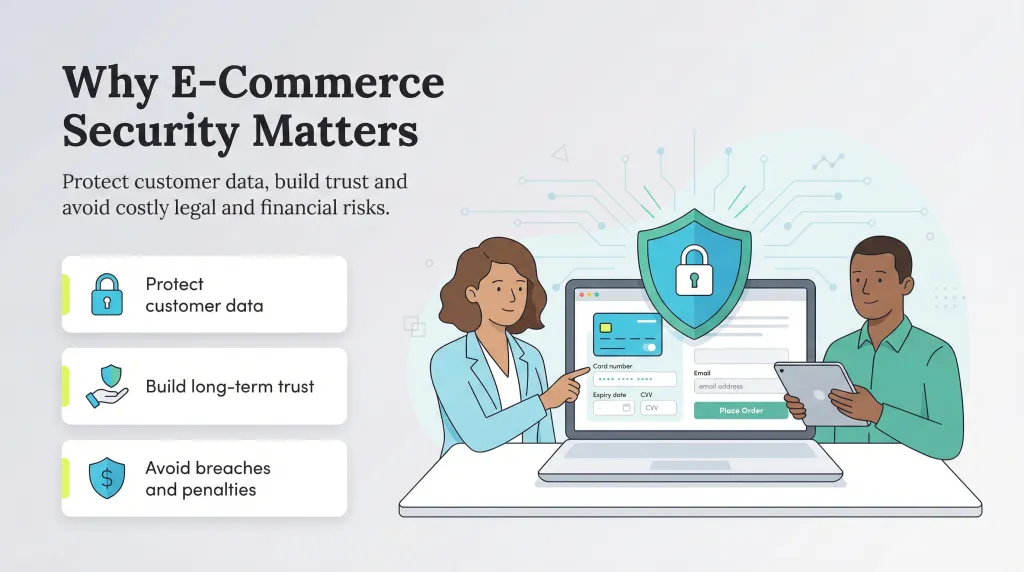
Before diving into solutions, understand the threats. Hackers target e-commerce sites for valuable data like credit card details, personal information, and login credentials. Common attack vectors include:
- SQL Injection: Exploiting database vulnerabilities to steal or manipulate data.
- Cross-Site Scripting (XSS): Injecting malicious scripts into your site to hijack user sessions.
- DDoS Attacks: Overwhelming your server to cause downtime and lost sales.
- Brute-Force Attacks: Guessing passwords to gain admin access.
- AI-Powered Threats: In 2026, AI tools enable sophisticated phishing, automated vulnerability scanning, and stealthy malware that adapts in real-time.
- Supply Chain Attacks: Compromising third-party plugins or APIs.
Real-world examples? Think of major breaches like the 2024 Shopify plugin exploits or ongoing Magento vulnerabilities. These risks are amplified in e-commerce due to payment processing and high traffic. But with proactive measures, you can mitigate them effectively.
Essential E-Commerce Security Best Practices: Build a Strong Foundation
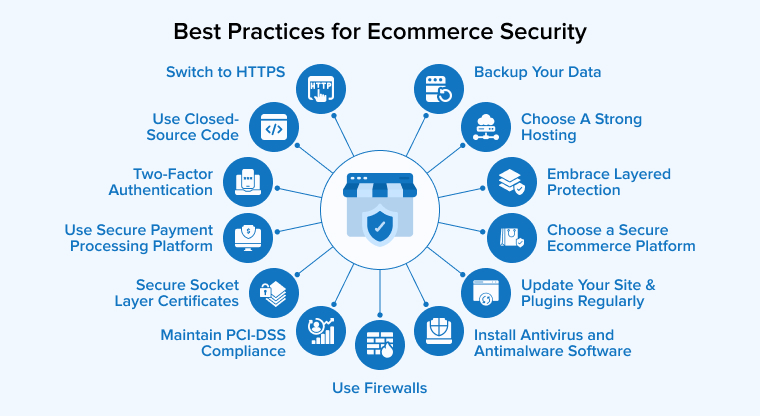
Start with the basics—these are non-negotiable for any e-commerce site. Focus on these to prevent 80% of common hacks.
1. Implement Robust Access Controls and Authentication
Weak logins are hackers’ easiest entry point. Strengthen yours with:
- Strong, Unique Passwords: Enforce policies requiring at least 16 characters, mixing letters, numbers, and symbols. Use password managers like LastPass or Bitwarden to generate and store them securely.
- Multi-Factor Authentication (MFA/2FA): Require a second verification step, such as an app code or biometric scan, for all admin and user accounts. Opt for phishing-resistant options like FIDO2/WebAuthn. This blocks 99% of automated attacks.
- Least Privilege Principle: Give users only the access they need. Use Role-Based Access Control (RBAC) to limit admin privileges.
- Rename Default Admin Paths: Change URLs like /admin or /wp-admin to obscure ones to deter bots.
Pro Tip: For e-commerce, enable location-based login alerts to flag suspicious access from unusual IPs.
2. Keep Software and Systems Updated
Outdated software is a hacker’s playground. Automate updates to close vulnerabilities fast.
- Patch CMS and Plugins Regularly: Platforms like WordPress or WooCommerce release fixes often—set up auto-updates for non-critical components.
- Audit Third-Party Integrations: Review and remove unused plugins weekly. Tools like Elite Site Optimizer can scan for outdated ones.
- OS and Server Updates: Use managed hosting with automated staging to test patches before going live.
In 2026, aim for zero-day patching—many hosts offer AI-driven virtual patching via WAFs.
3. Encrypt Data with HTTPS and SSL/TLS
Unencrypted sites are easy targets for data interception.
- Enable Site-Wide HTTPS: Use free certificates from Let’s Encrypt or premium ones for extended validation. Implement HSTS to force secure connections.
- Secure APIs and Forms: Encrypt all data in transit and at rest, especially payment info.
- Quantum-Resistant Encryption: With quantum threats emerging, upgrade to post-quantum algorithms if handling sensitive data.
This not only protects against hacks but also improves SEO, as Google favors HTTPS sites.
4. Deploy Firewalls and Security Tools
Block threats at the gate.
- Web Application Firewall (WAF): Use Cloudflare or Sucuri to filter malicious traffic, detecting SQLi, XSS, and bots with AI.
- Intrusion Detection Systems (IDS): Monitor for anomalies in real-time.
- Secure File Permissions: Set 644 for files and 755 for directories to prevent unauthorized changes.
For e-commerce, integrate PCI DSS-compliant tools to safeguard card data.
5. Sanitize Inputs and Secure Coding Practices
Prevent code-based exploits.
- Input Validation: Use parameterized queries and encoding to neutralize injections.
- Disable Directory Browsing: Configure servers to hide file structures.
- Content Security Policy (CSP): Define trusted sources for scripts and styles.
If developing custom code, follow OWASP guidelines for secure development.
Advanced Strategies to Fortify Your E-Commerce Site
Once basics are covered, level up with these cutting-edge tactics for 2026.
1. Conduct Regular Vulnerability Scanning and Penetration Testing
Don’t wait for hacks—find weaknesses first.
- Automated Scans: Use tools like Elite Site Optimizer for weekly checks on plugins, APIs, and code exposures.
- Penetration Testing: Hire ethical hackers quarterly to simulate attacks.
- Bug Bounty Programs: Reward researchers for reporting issues.
Focus on AI-vulnerable areas like exposed admin panels or weak SSL configs.
2. Employee Training and Phishing Defense
Humans are often the weakest link.
- Ongoing Training: Use platforms like SEVnest for simulated phishing tests and awareness sessions.
- Security-First Culture: Include cybersecurity in onboarding and encourage reporting suspicious activity.
- Avoid Public Wi-Fi: Mandate VPNs for remote access.
In e-commerce, train staff on handling customer data securely to comply with GDPR or CCPA.
3. Implement Robust Backup and Recovery Plans
Backups are your safety net.
- 3-2-1-1-0 Rule: 3 copies, 2 media types, 1 offsite, 1 immutable, 0 errors.
- Automated Backups: Schedule daily for the site and databases, testing restores monthly.
- Immutable Storage: Prevent ransomware from altering backups.
Monitoring, Detection, and Incident Response

Security is ongoing—monitor to catch issues early.
- 24/7 Monitoring: Use SIEM tools for log analysis and anomaly detection.
- Real-Time Alerts: Set up notifications for suspicious logins or traffic spikes.
- Incident Response Plan: Create a playbook with steps like isolating breaches, notifying customers, and conducting forensic analysis.
Tools like ThreatBlock offer managed monitoring for comprehensive defense.
E-Commerce Specific Tips: Protecting Payments and Customer Data
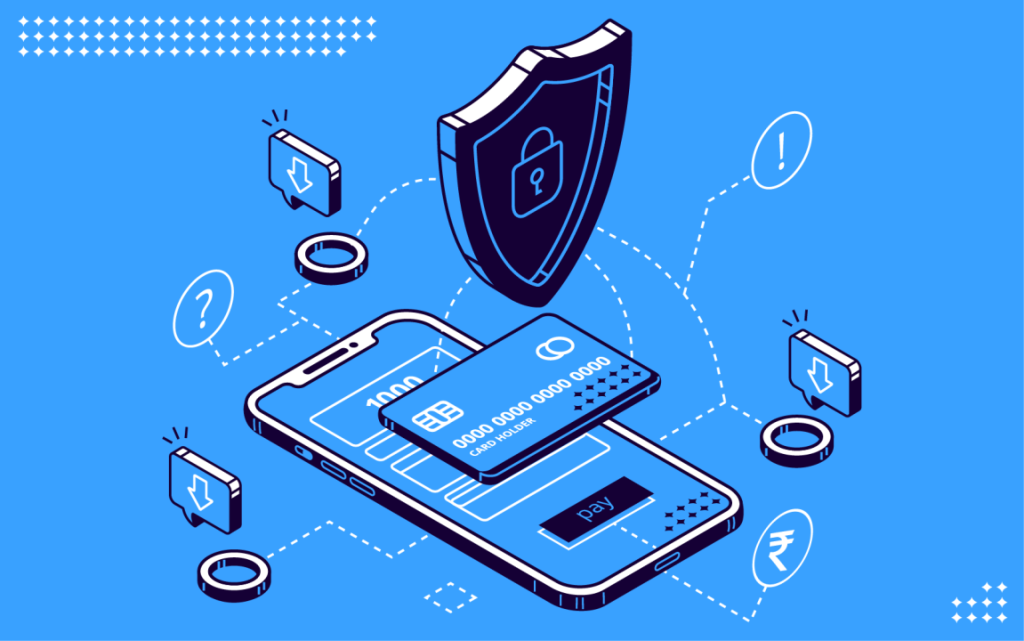
E-commerce adds unique risks—address them head-on.
- PCI DSS Compliance: For card payments, use tokenized processing via Stripe or PayPal to avoid storing sensitive data.
- Secure Checkout Pages: Disable public access to admin areas and secure all forms.
- Data Minimization: Collect only necessary info and anonymize where possible.
- Fraud Detection: Integrate AI tools to flag unusual orders.
Top Tools and Resources for E-Commerce Security in 2026

- WAF and CDN: Cloudflare for DDoS protection and WAF.
- Scanners: Sucuri or Elite Site Optimizer for vulnerabilities.
- Backups: UpdraftPlus (for WordPress) or managed hosting services.
- Training: SEVnest or KnowBe4.
- Managed Security: ThreatBlock for full-service protection.
What to Do If Your E-Commerce Site Gets Hacked

Despite best efforts, breaches happen. Act fast:
- Isolate the Site: Take it offline to stop further damage.
- Assess and Contain: Use forensics to identify the entry point.
- Notify Stakeholders: Inform customers, authorities, and partners per regulations.
- Restore from Backups: Use clean backups and scan before relaunch.
- Learn and Improve: Conduct a post-mortem to strengthen defenses.
Hack Digital Agency To Help You!
While following these best practices dramatically reduces your risk, no website is 100% immune—especially as threats grow more sophisticated in 2026. At Hack Digital Agency, we specialize in helping e-commerce businesses like yours build ironclad security from the ground up and, when the worst happens, quickly and cleanly recover hacked websites with minimal downtime and data loss. Our team has successfully strengthened and restored dozens of online stores, ensuring customer trust is preserved, and operations resume fast. Ready to audit your site’s security posture or get a no-obligation recovery consultation? Contact us today — let’s make sure your store stays safe and thriving.
Conclusion: Secure Your E-Commerce Future Today
Protecting your e-commerce website from hacking in 2026 requires a multi-layered approach: from strong authentication and updates to advanced monitoring and training. By following this guide, you’ll not only prevent breaches but also enhance user trust, SEO performance, and business growth. Remember, security is an investment—start with a vulnerability scan today and build from there. If you’re overwhelmed, consult experts like ThreatBlock for tailored solutions. Stay vigilant, and your online store will thrive securely.